Quishing: Phishing Got a Glow-Up
I was at a taco place recently, the kind with metal chairs, a chalkboard menu, and indie music playing just a little too loud. Instead of physical menus, they had a paper sign taped to the table with a QR code that said, “Scan me for magic.”
And because I’m a functioning adult with questionable curiosity and a decent data plan, I scanned it.
Thankfully, it went to the menu.
But it got me thinking.
I have a car wash subscription at one of those self-serve places. No employees, no kiosk. Just a high-powered wand, a set of dials, and a QR code on the wall. To activate the wash, I open their app on my phone and scan the code. That’s it. The system turns on instantly.
But what if someone tampered with that code?
What if a threat actor placed a rogue QR code over the real one? Not to start the wash, but to trigger malware or a spoofed login page? Just like that, what felt like a simple scan becomes a security breach.
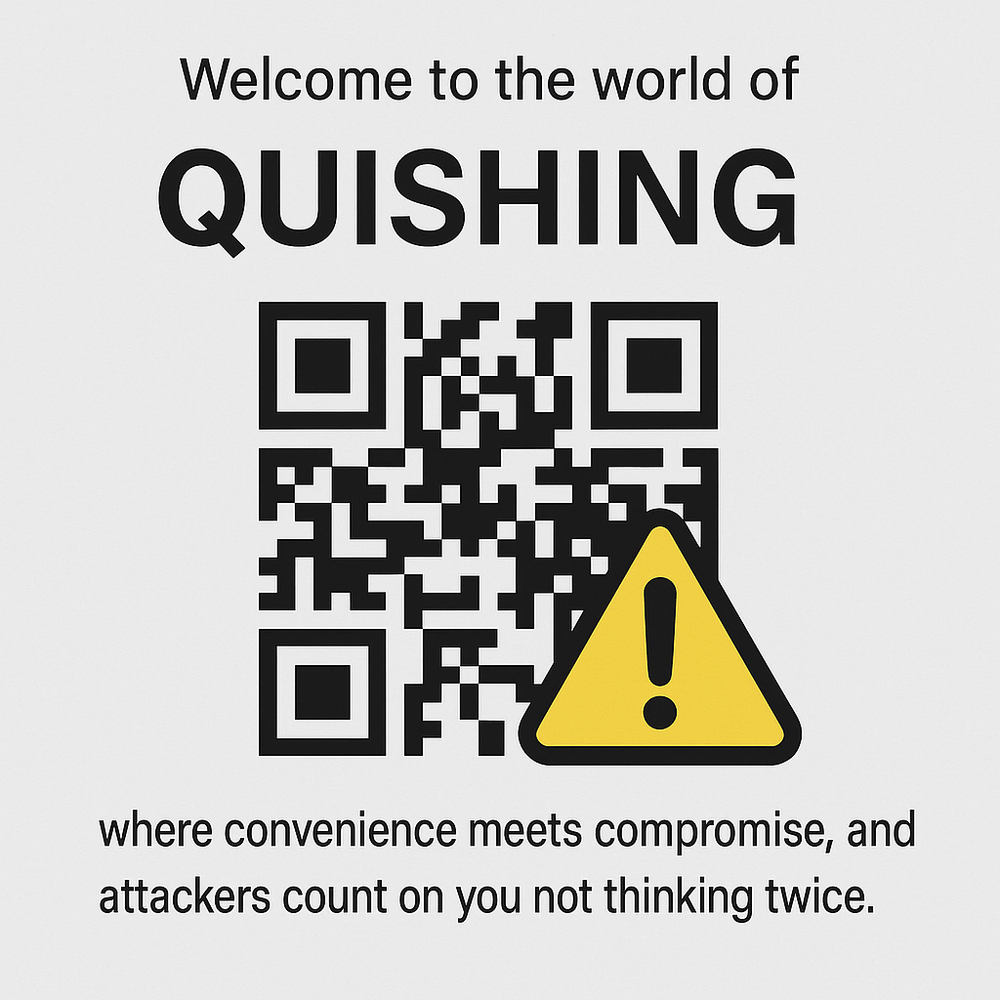
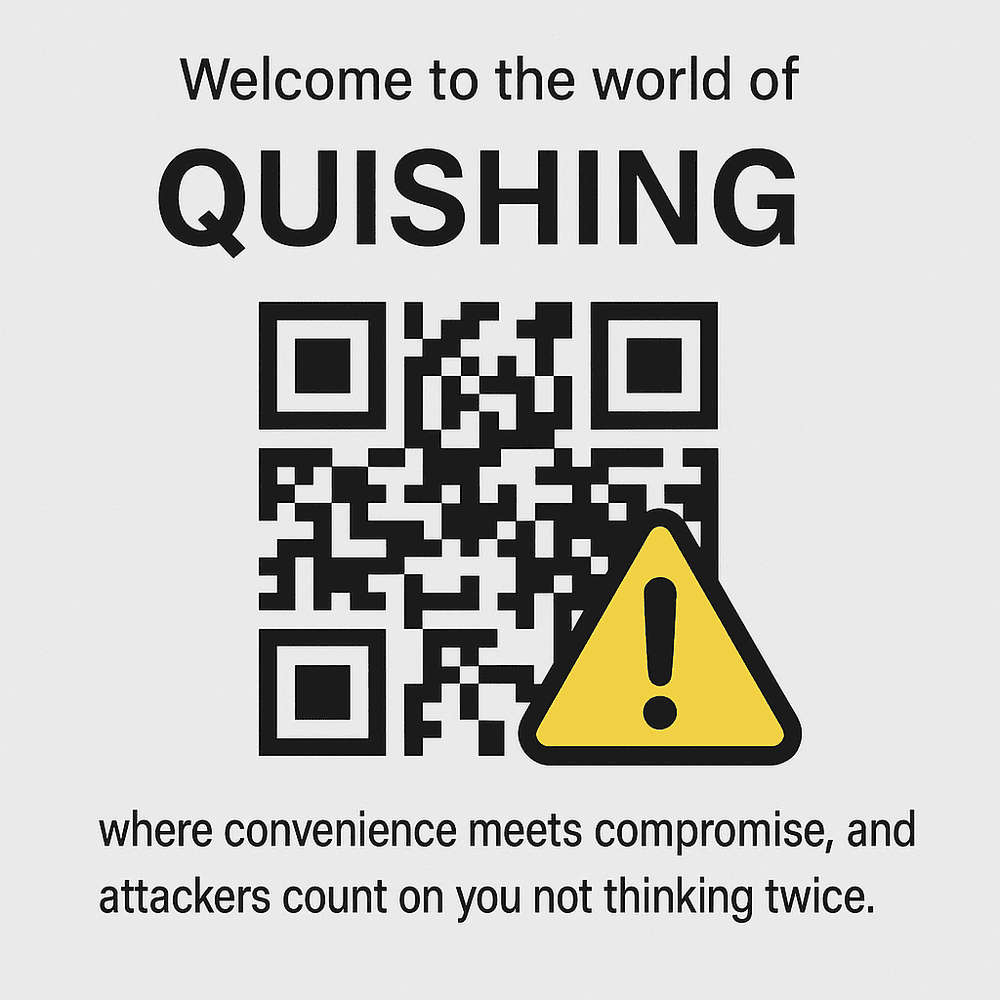
Welcome to the world of quishing, where convenience meets compromise and attackers count on you not thinking twice.
🤔 What is Quishing?
“Quishing” is short for QR code phishing. It’s a terrible name for a terrible tactic, like putting a sticker over a traffic sign and hoping someone drives into a ditch.
But instead of a misleading road sign, it’s a QR code. Instead of clicking a suspicious link in an email or text, you’re scanning it with your phone, often without thinking twice. And that scan could lead to a spoofed login page, a malware download, or a website designed to steal your credentials.
QR codes are everywhere now: restaurant tables, parking meters, flyers, job postings, taped-up posters on telephone poles, even car washes. That ubiquity makes them the perfect tool for cybercriminals who count on one thing, your curiosity.
📲 How Quishing Works
Here’s how it usually plays out:
-
The Setup – The attacker creates a malicious URL that leads to a phishing page or file download.
-
The QR Code – They embed that URL in a QR code, then print it on a flyer, slap it on a sticker, or drop it into an email.
-
The Bait – The QR code promises something useful or urgent: “Parking info,” “Free Wi-Fi,” “Claim your gift card,” “Secure your account.”
-
The Trap – You scan it, tap the link, and you’re redirected to a fake site or unknowingly install malware.

A particularly clever threat actor might tape their malicious QR code over a legitimate one, like the “free drink” coupon at a conference booth, and redirect you to a perfectly spoofed Microsoft 365 login page designed to steal your credentials the moment you sign in.
🧠 Why QR Codes Are the New Short URLs
Although QR codes have been around for years, their use exploded during the COVID-19 pandemic. They became the go-to solution for contactless menus, payments, and check-ins. In many ways, a QR code is just a modern version of a shortened URL — like bit.ly or tinyurl. You can’t see where it leads until you click… or in this case, scan.
Fun fact: we covered the risks of shortened URLs all the way back in our very first blog post, The Anatomy of a Phishing Attack, published on December 5, 2012. More than a decade later, the delivery method may have changed, but the deception game is still going strong.
And that’s what makes QR codes dangerous.
They’re incredibly useful and convenient — but they’re also perfect tools for threat actors. By hiding malicious URLs behind QR codes, attackers can trick people into scanning codes that:
-
Infect their devices with malware
-
Redirect them to fake login pages to steal credentials
-
Impersonate trusted sites like Gmail, Office 365, or mobile payment platforms
And because scanning QR codes has become second nature, it’s easy to fall into the trap.
Think of it as phishing 2.0 — slicker, quicker, and easier to disguise.
🎯 Who’s Falling for This?
Short answer? Everyone.
Quishing is the perfect storm: it feels modern, it’s frictionless, and we’ve all been trained to scan QR codes without thinking twice. It’s a dream for attackers and a nightmare for the rest of us.
Here’s who’s getting caught:
-
Office workers scanning a parking validation code taped next to the elevator
-
Conference attendees scanning for swag or Wi-Fi (those branded lanyards? Not helping)
-
Restaurant diners just trying to order tacos, not realizing the QR code leads to a fake payment page
-
Small business owners clicking QR codes in fake invoice emails
-
Literally anyone who’s distracted, in a rush, or running on caffeine and vibes
You don’t have to be careless. You just have to be human.
📰 Real-World Examples
🚗 Fake Parking Meters
Attackers placed QR code stickers on parking meters in cities like Austin and San Antonio, redirecting people to fraudulent payment sites. Victims thought they were paying for parking — but they were actually paying a scammer.
🧾 Invoice Emails with QR Codes
Phishing emails are going QR-first too. Instead of a suspicious-looking link, they now include fake invoices with a message like:
“Scan this code to view your bill.”
You scan it, and bam — you’re on a perfectly forged Microsoft 365 or Google Workspace login page, ready to hand over your credentials.
🧑💼 QR Codes on Job Posters
Some attackers are slapping malicious QR codes on job flyers posted in public spaces. They look like legit hiring ads or application portals — but scanning them leads to phishing pages designed to harvest your resume, personal info, or login credentials.
🔒 How to Stay Safe (Without Boycotting Every QR Code)
Look, I’m not here to cancel QR codes. Some of them really do lead to tacos. But here’s how to scan smarter, not scared:
✅ Preview the URL
Most phone cameras (especially on iOS and Android) will show you the link before you open it. Take a second to actually read it.
If it says something like secure-google-login.yourinfo.badguy.biz — yeah, maybe don’t tap that.
✅ Don’t scan codes from strangers
That sticker on a parking meter? The flyer taped to a light pole? Probably not your best move.
✅ Be extra cautious with QR codes in emails
If an invoice email includes a QR code instead of a link, it’s already suspicious. Trust your gut.
✅ Look for HTTPS — but don’t rely on it alone
A padlock icon means the connection is encrypted, not that the site is trustworthy. Scammers can get HTTPS too.
✅ Use mobile security apps
Some mobile security tools can flag malicious links before they open. Think of it as backup for your eyeballs.
TL;DR
Quishing is just phishing with a glow-up.
It’s sneaky, simple, and surprisingly effective, but not unstoppable.
You don’t need to swear off QR codes forever.
You just need to scan smart, check the link, and never trust a piece of paper taped to a parking meter.
Want more tips like this? Subscribe to Between the Hacks
About the Author