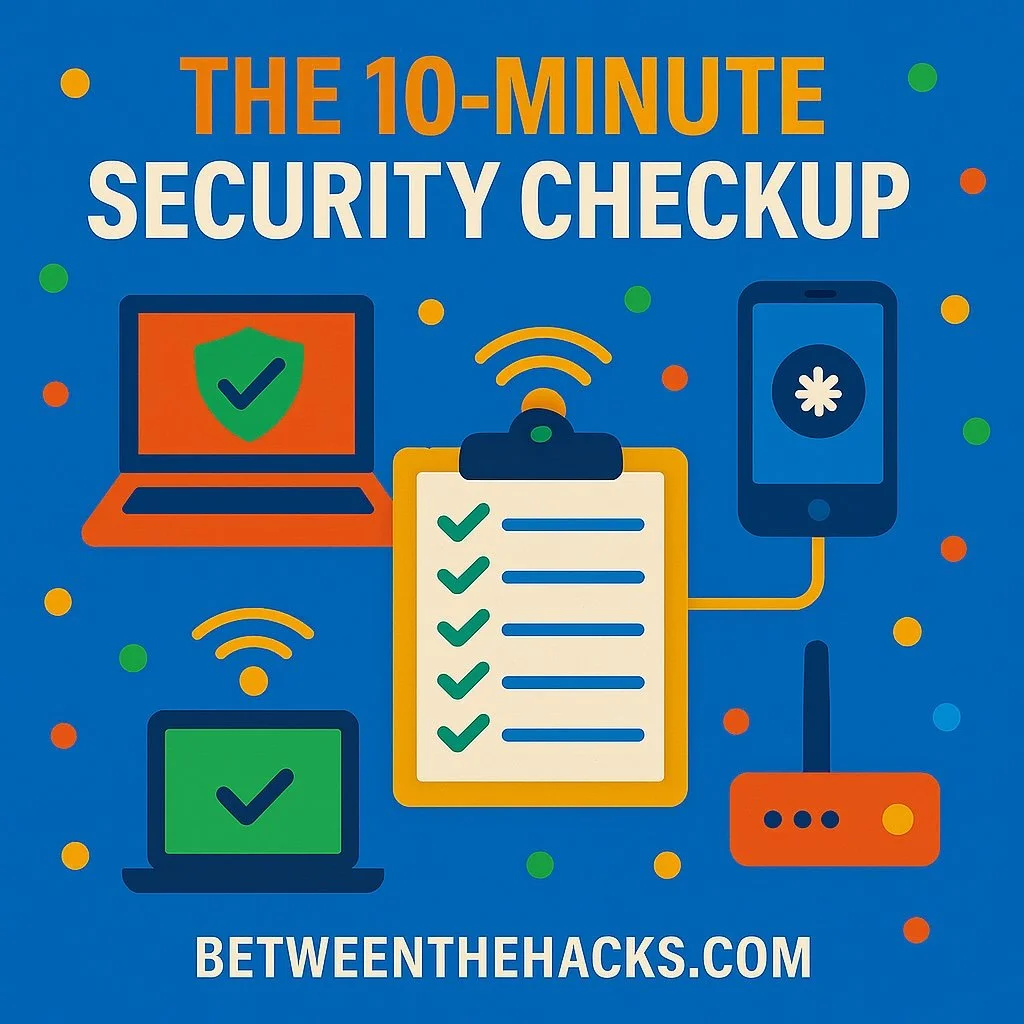
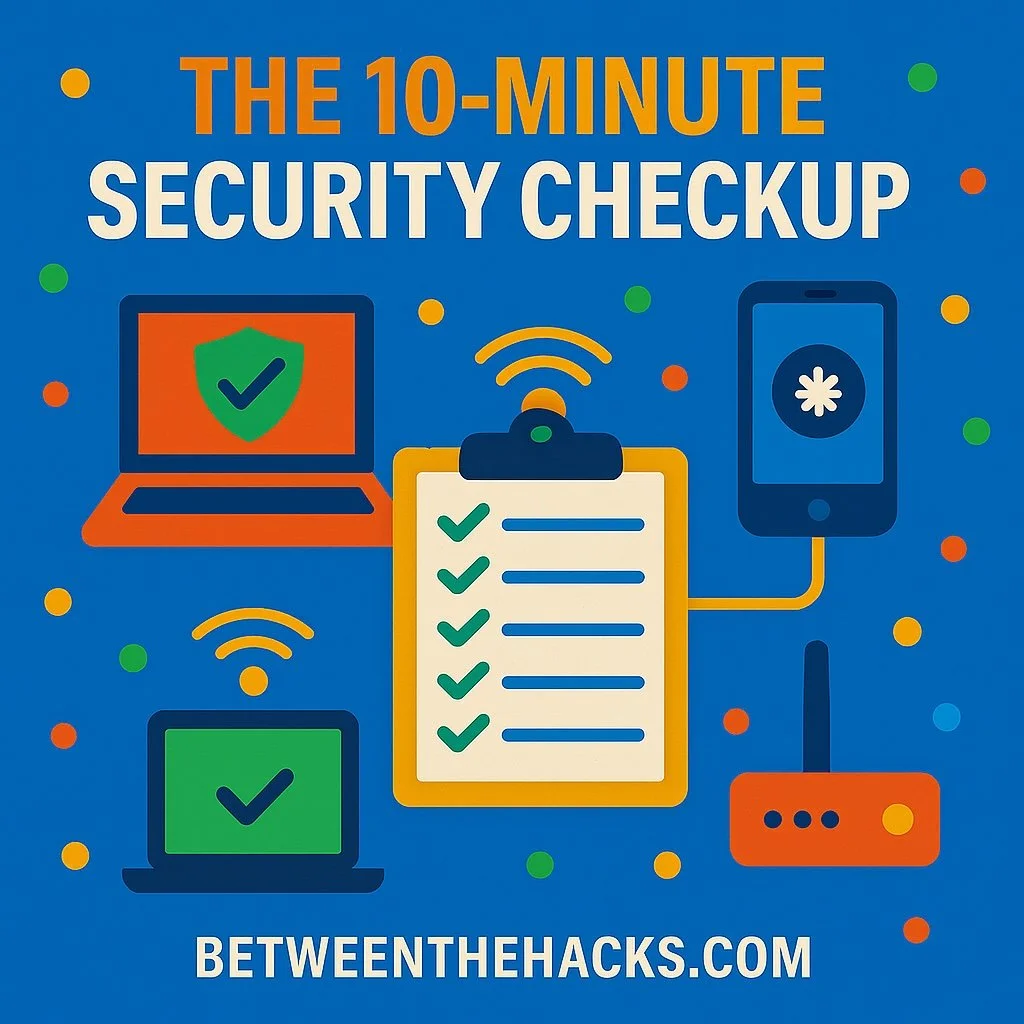
The 10-Minute Security Checkup Everyone Should Do This Weekend
It’s Sunday morning. You’re in your pajamas, scrolling through your phone, probably ignoring that software update notification that’s been pestering you for weeks. Here’s the thing: those 10 minutes you’d spend updating your phone could save you from becoming the star of next month’s data breach headlines.
I know, I know, cybersecurity feels like homework. But you don’t need to be a CISO or an IT wizard to protect yourself. You just need 10 minutes, a cup of coffee, and maybe the willingness to admit that “password123” isn’t cutting it anymore.
Consider this your cybersecurity spring cleaning, except it’s way less work than reorganizing that junk drawer.
☐ 1. Check for software updates (2 minutes)
Phones, laptops, tablets, that smart TV you bought three years ago, make sure everything’s running the latest version. Updates don’t just bring new features, they patch the security holes attackers love to exploit.
📱 iPhone or Android? Go to Settings > Software Update and make sure auto-updates are on.
💻 Windows/Mac? Update your OS and check your browser while you’re at it. Yes, your smart toaster probably needs updating too. I know, I know, what has the world come to?
☐ 2. Enable Multi-Factor Authentication (MFA) (3 minutes)
If you’re still logging in with just a password, you’re one phishing email away from trouble. Even cybersecurity experts like Troy Hunt fall for sophisticated phishing attacks so we all need to be diligent!
Add MFA (text, app, or better yet, a security key) to your important accounts: email, banking, work, and cloud storage.
🔐 Start with 2fa.directory to find out which services support it.
☐ 3. Give your router some attention (2 minutes)
Your Wi-Fi router is the front door to your digital home. Here are the big three things that actually matter:
-
Change the admin password (yes, from “admin/admin”!)
-
Make sure WPA3 or WPA2 is enabled (not WEP…WEP is from the stone age)
-
Update the firmware and enable automatic updates if possible (if not, remember to check this at least monthly or buy a new router that gets automatic updates)
Bonus points if you replace that ancient router that came free with your ISP in 2017. That thing has seen some stuff.
☐ 4. Scan your passwords (2 minutes)
Use a password manager like 1Password, Bitwarden, or Apple Keychain (great if you use all Apple products) to check for reused or breached passwords. If you’re still using “password123” anywhere, we need to have a serious talk.
The password manager will do the heavy lifting—you just need to look at the scary red warnings and fix them.
☐ 5. Play “What’s Connected to My Wi-Fi?” (1 minute)
Open up your Wi-Fi router’s device list and see what’s hanging out on your network. That mystery device might be your smart doorbell that you forgot you connected, or it could be your teenager’s friend who guessed your Wi-Fi password. Either way, it’s worth investigating.
Don’t recognize something? Time to change that Wi-Fi password.
☐ 6. Back up your files (Set it and forget it)
Ransomware’s favorite victims are the ones without backups. Use a secure cloud service or an external hard drive. Just make sure external drives are disconnected when not in use, ransomware is sneaky and will encrypt your backups too if it has access.
If you’re already backing up to the cloud, give yourself a pat on the back and move on.
☐ 7. Lock your phone’s SIM (1 phone call)
Most people don’t realize attackers can clone a SIM and steal SMS-based MFA codes. Call your carrier and add a PIN to your account. Yes, you have to talk to a human. Yes, it’s worth it.
Reality Check: The Big Three
Look, if you only do three things from this list, make them: updates, MFA, and backups. Everything else is gravy, but these three will save your digital bacon when things go sideways.
What NOT to Panic About
While you’re feeling motivated, don’t go overboard. You don’t need to:
-
Buy a $500 enterprise firewall for your home
-
Memorize 50-character passwords (that’s what password managers are for)
-
Unplug every smart device in your house (just keep them updated)
🚀 That’s it. You’re already more secure than 90% of people online.
Security doesn’t have to be overwhelming. A few simple habits, done consistently, go a long way. It’s like flossing, but for your digital life.
Send this to your team, your family, or your least-secure friend. (You know the one.)
And if you’re feeling ambitious after crushing this list? Take a victory lap. You’ve just done more for your security than most people do all year.
Stay safe out there. 🔐
Tip of the Week: Set a calendar reminder to do this checkup quarterly. Future you will thank present you when you’re not frantically trying to remember passwords during the next major data breach.
betweenthehacks.com
About the Author